1
Browse Materials
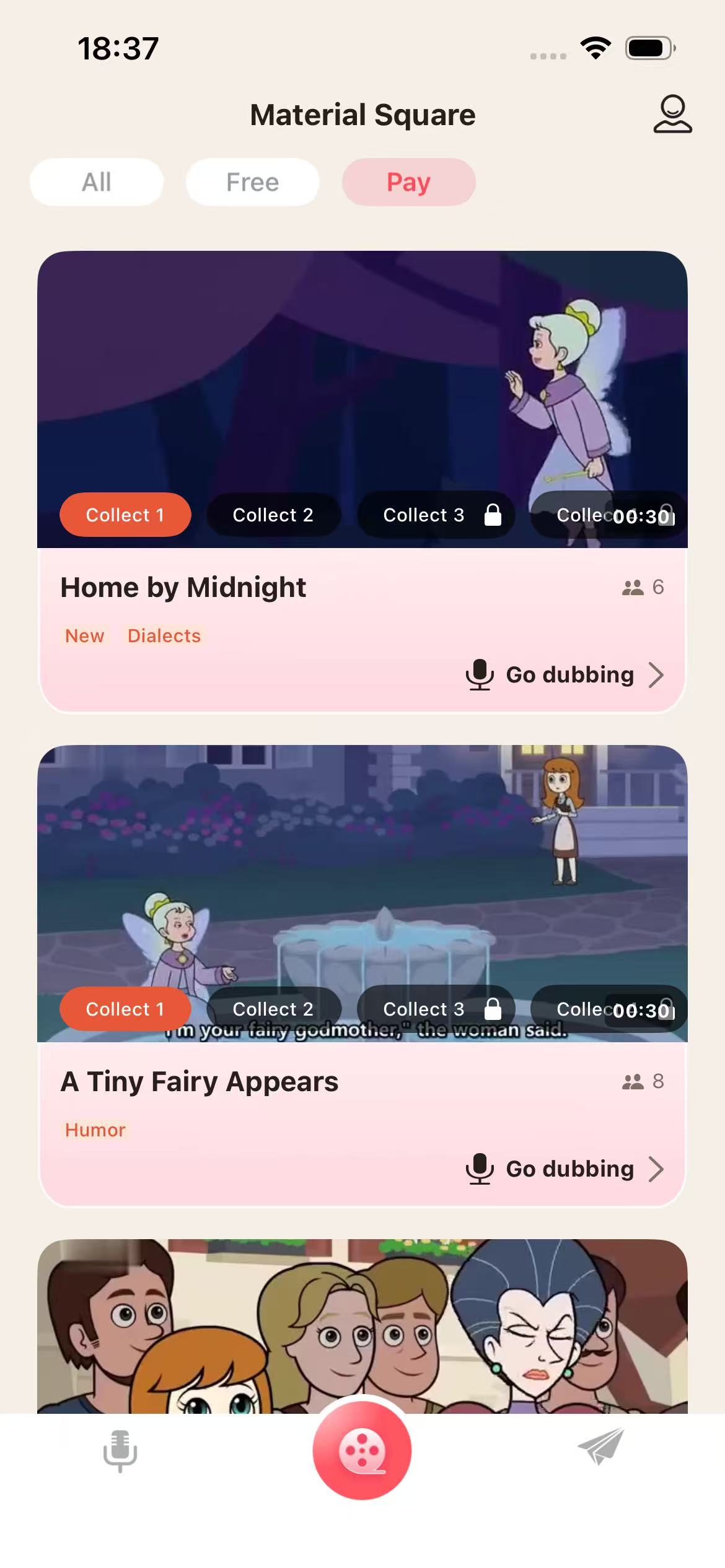
Material Square displays available dubbing materials with categories, preview images, duration, tags, and a direct entry to dubbing creation.
Miloop is an audio-based iOS app for browsing dubbing materials, previewing dialogue, recording voice works, managing created works, and joining public dubbing activities.
Users move through a clear creative workflow: browse materials, review dialogue content, record or re-record voice, then manage created works.
Material Square displays available dubbing materials with categories, preview images, duration, tags, and a direct entry to dubbing creation.
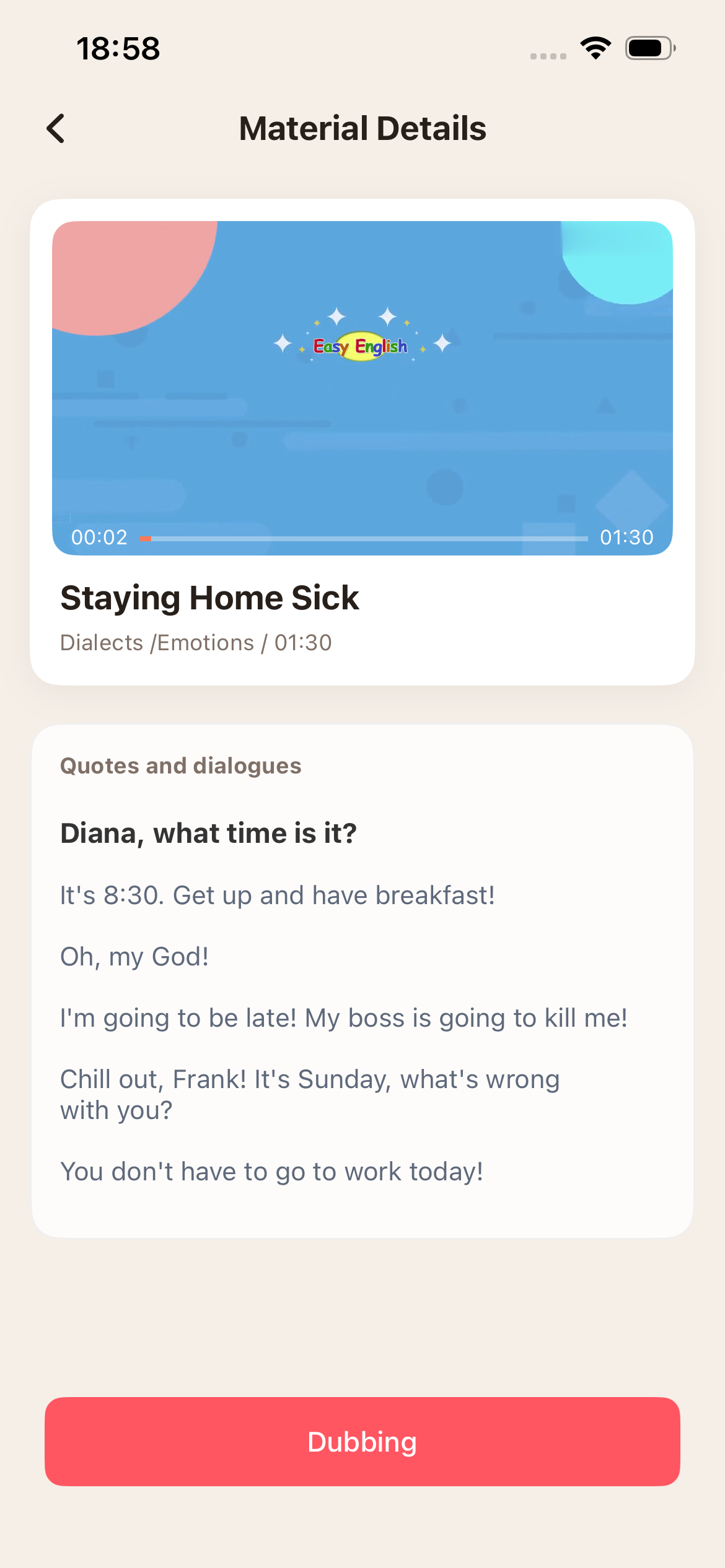
The material details page shows the video preview, material title, tags, duration, and quotes or dialogue text before users start recording.
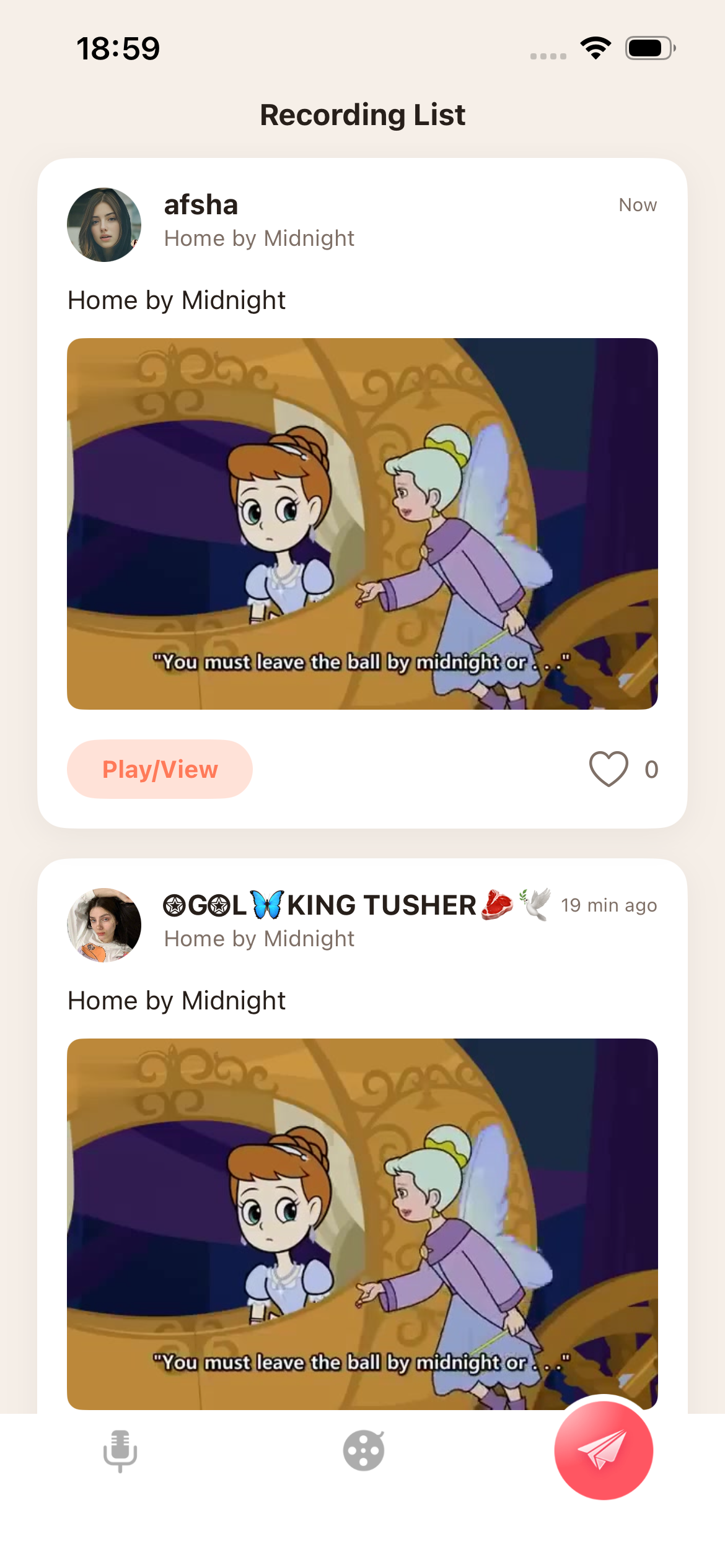
Created dubbing works can be viewed from the works list. Users can review their content and manage personal creations from the app.
 Preview playback
 Recording state
 Re-record support
 Dialogue prompts
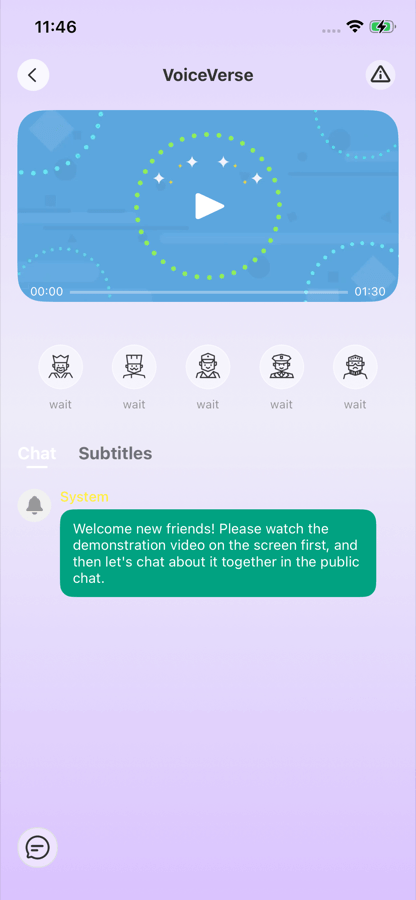
The theater lobby and theater pages are designed for public dubbing participation around dubbing materials and themed creative activities.
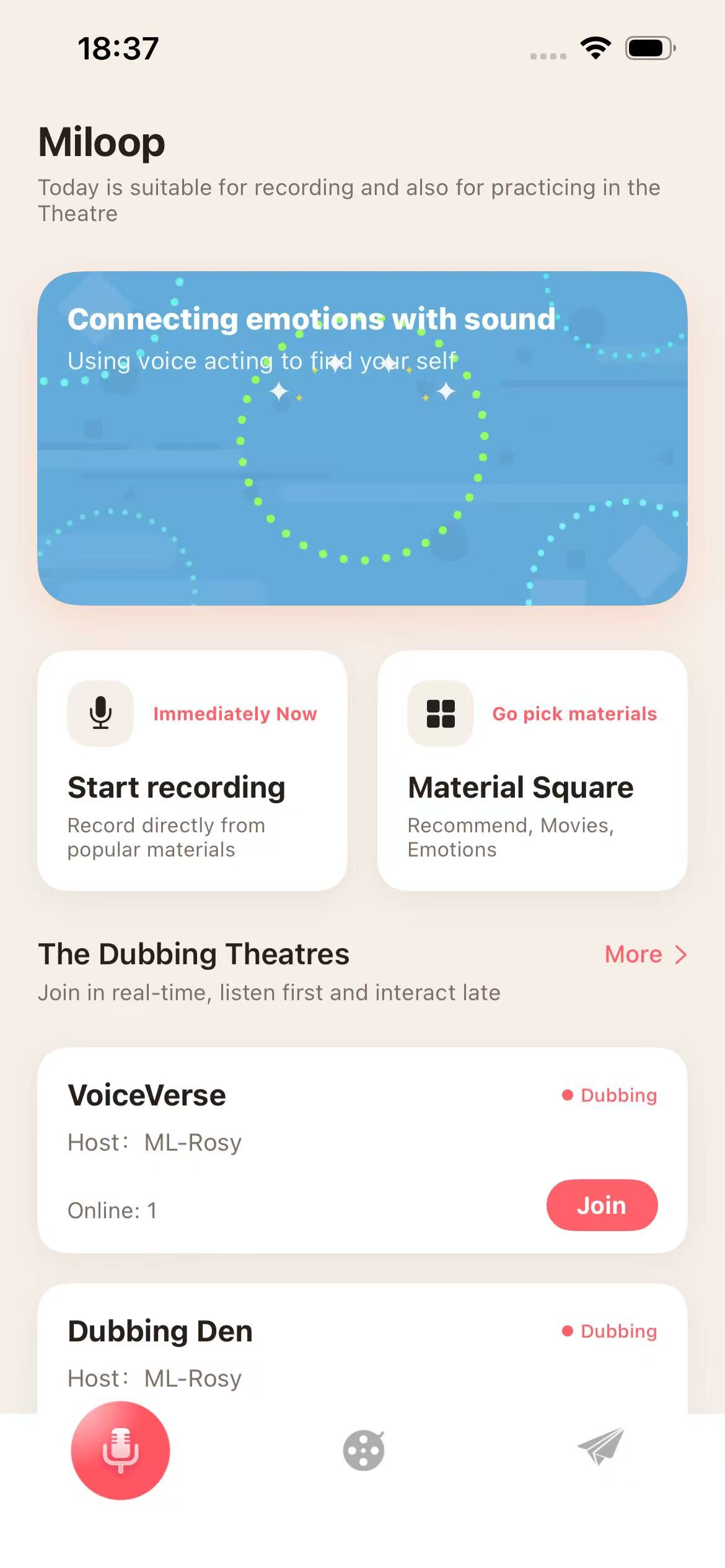
Users can enter Material Square, start recording, browse theater listings, view public theater information, and join available theater activities.
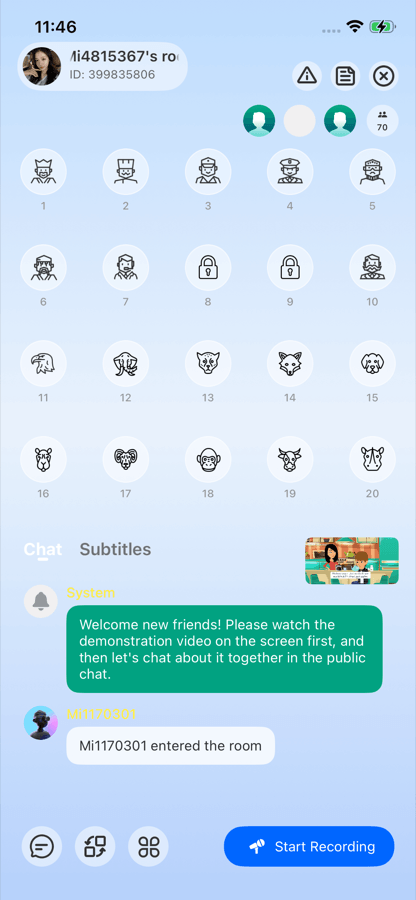
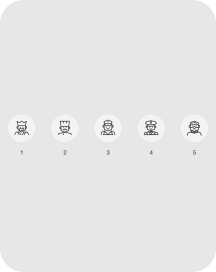
Compact theater mode for public dubbing discussion.
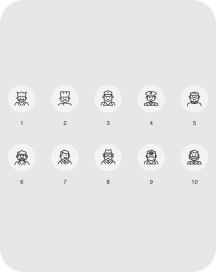
More seats for larger public dubbing activities.
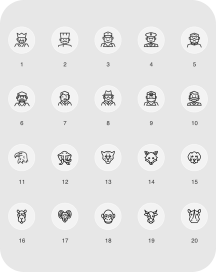
Expanded seating for bigger dubbing theater activities.
Miloop keeps the app experience centered on dubbing creation, public dubbing participation, and clearly presented in-app digital content.
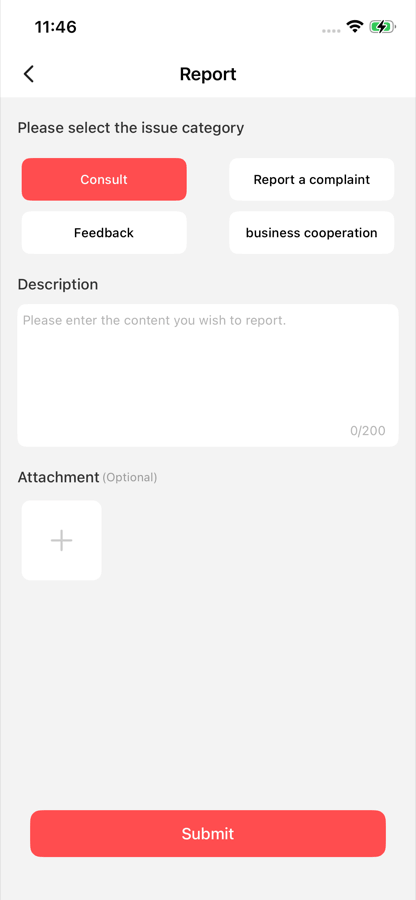
Users can submit reports, complaints, feedback, and optional attachments from the in-app report page.
The personal center provides access to user content, theater entries, feedback, privacy documents, blacklist management, logout, and account cancellation.
 My Works
 My Theater
 Feedback
 Privacy